1
Quick posture setup
Look toward your screen edges and keyboard once during setup so ordinary work glances stay completely clear.
Windows 10 & 11 · Open Source
GAZE uses your webcam locally on your PC to blur your screen the instant you turn away or someone walks up behind you. Look back, and it clears cleanly.
Calibrate your viewing posture once, then let GAZE protect your screen automatically from the system tray.
Look toward your screen edges and keyboard once during setup so ordinary work glances stay completely clear.
Sits unobtrusively in your Windows system tray with minimal battery impact, zero popups, and zero internet traffic.
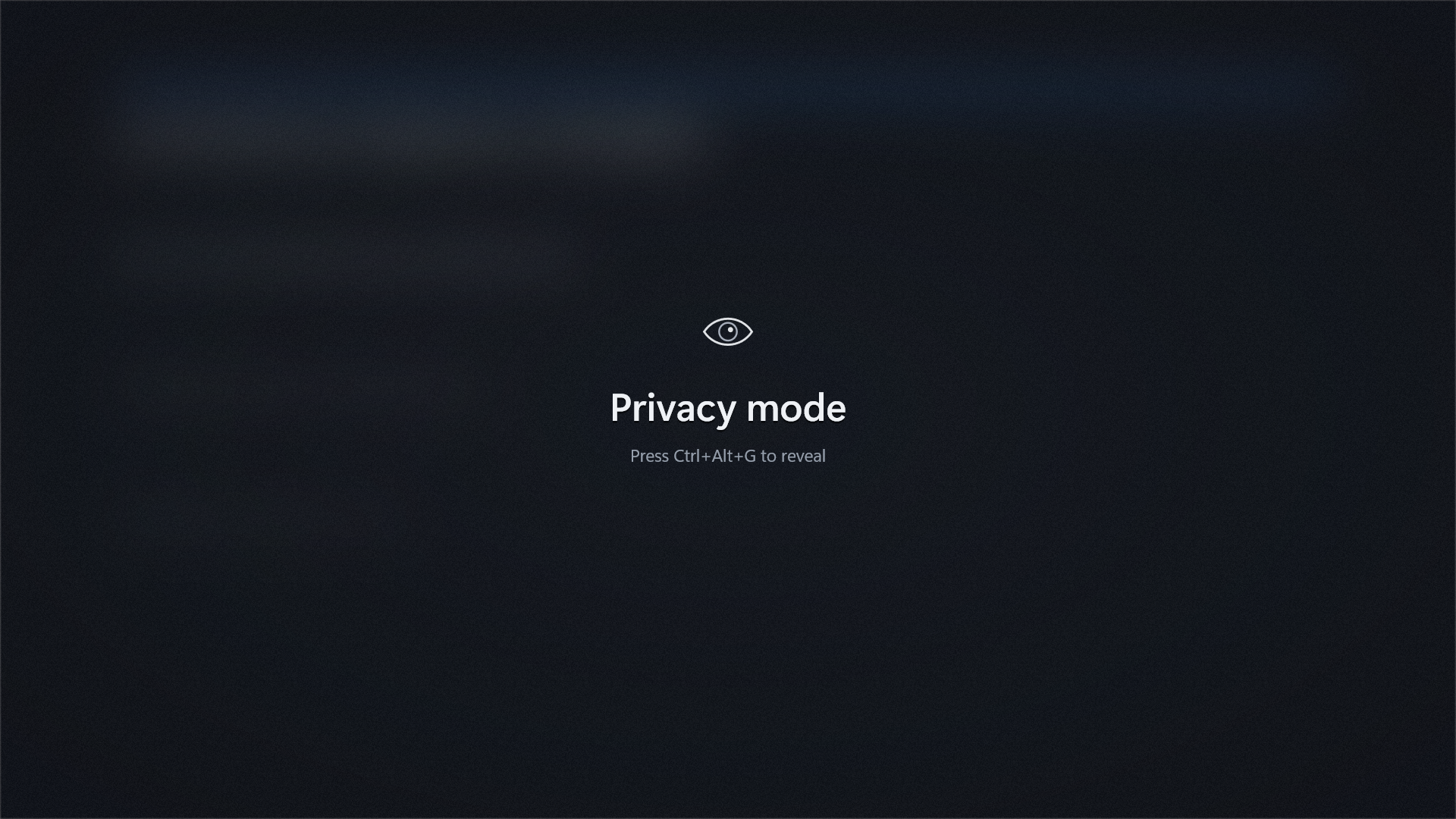
Turn away or get a bystander behind you? Connected screens blur immediately and clear cleanly when you look back.
Quiet when you are looking at your screen, unmistakable the moment your display needs cover.
Covers sensitive windows, code, or financial sheets across all connected displays in milliseconds while keeping your screen shares untouched in Zoom or Teams.
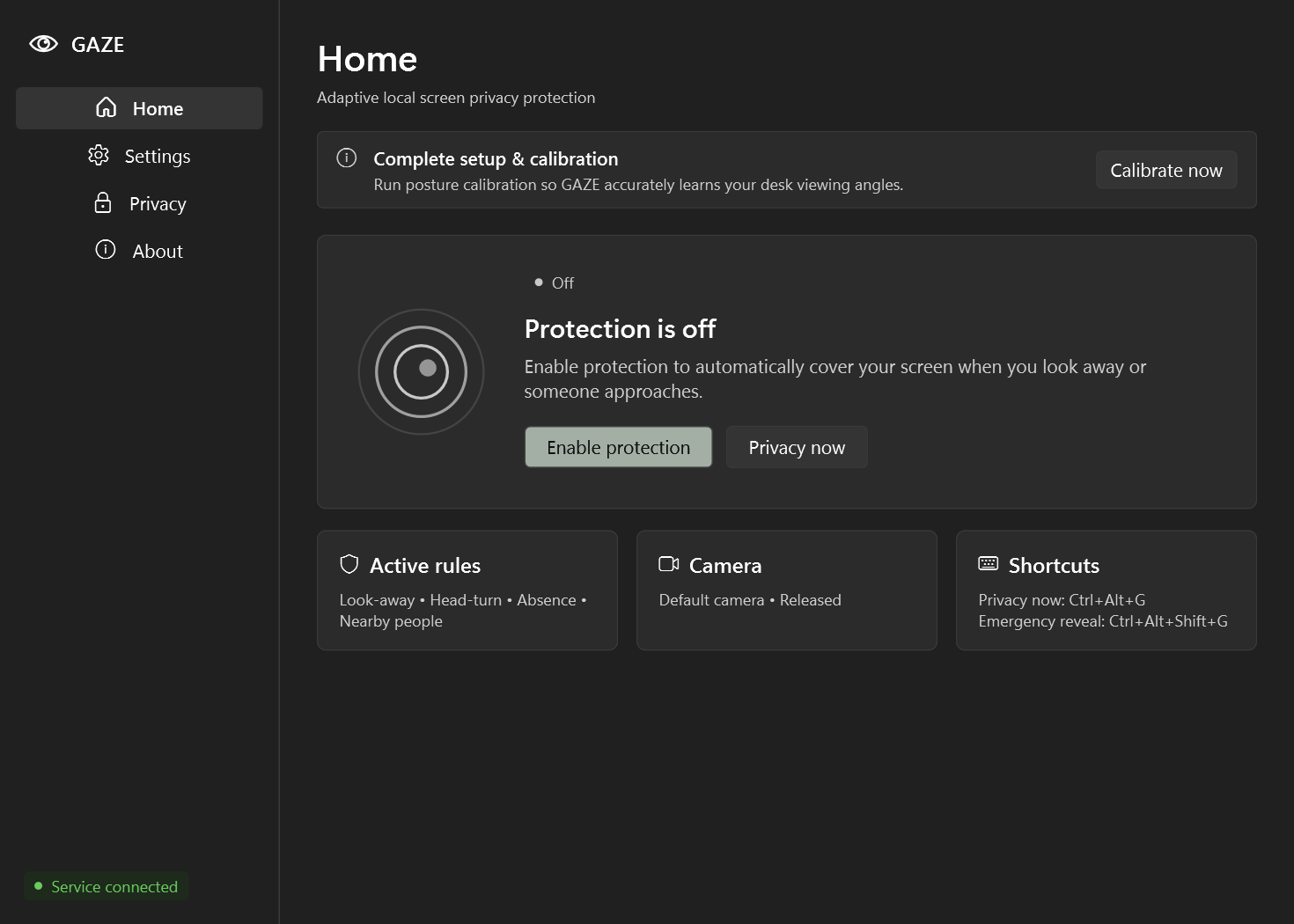
Adapts to your Light or Dark Windows theme, shows active protection rules at a glance with no distracting webcam feed on Home, and closes cleanly down to tray monitoring.
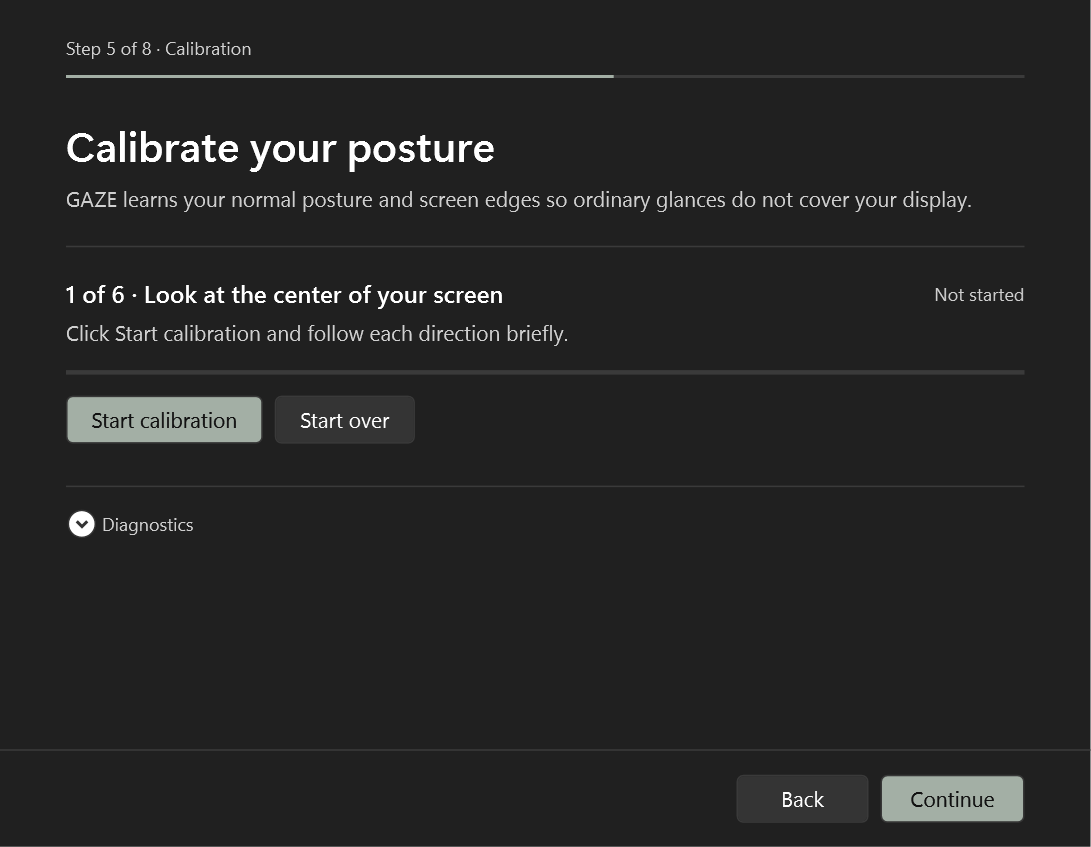
A guided 6-pose calibration maps where your displays sit and accounts for glancing down at your keyboard, preventing annoying false triggers while working.
Fine-tune blur strength, dark tint, presets, or multi-monitor behavior anytime. Lock manually or clear protection immediately whenever needed:
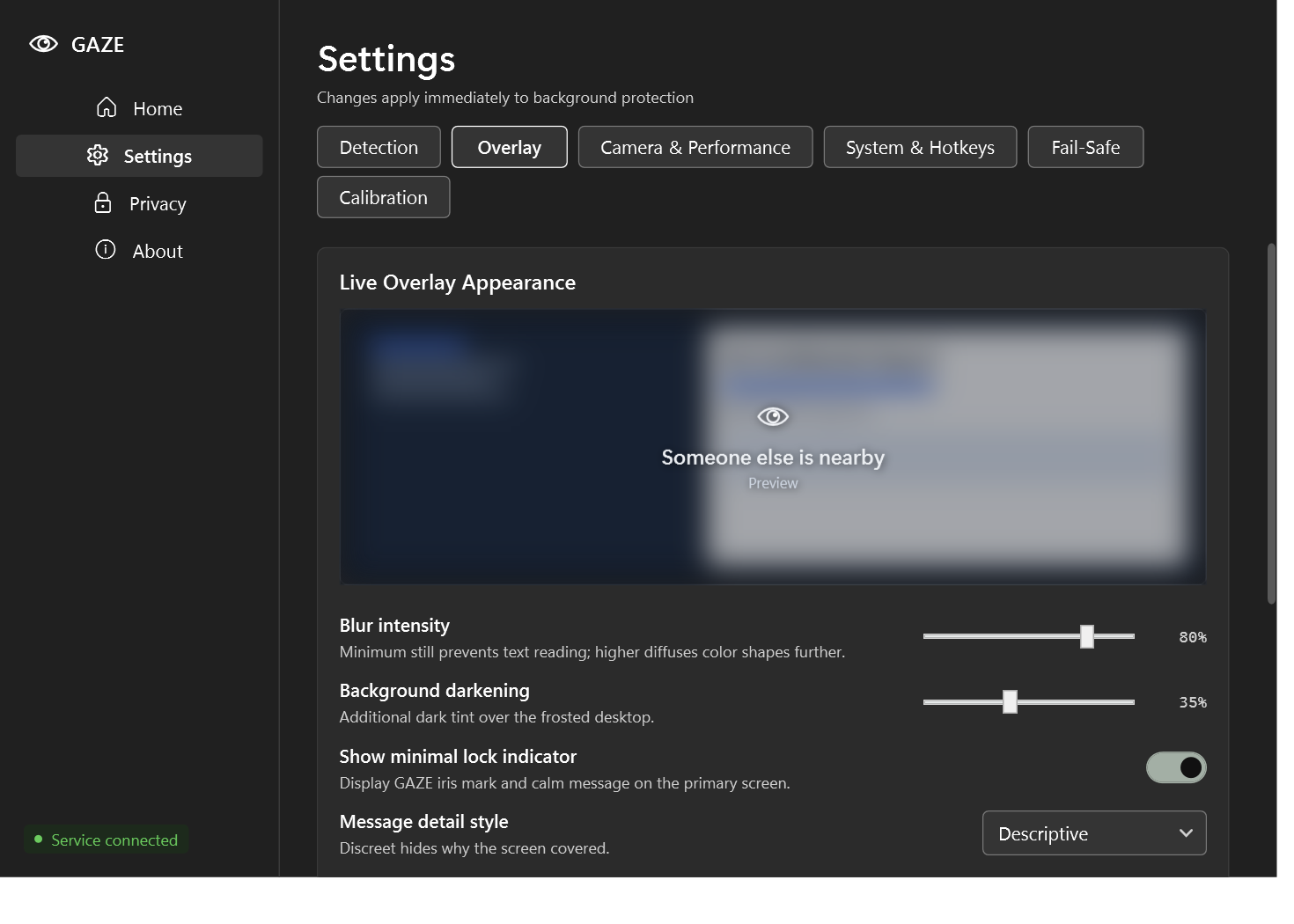
Local CPU inference, explicit opt-in onboarding consent, and zero network traffic.
Runs vision models locally inside an isolated Windows process. Zero user accounts, zero crash uploaders, and zero network connections — verified statically in CI.
Camera frames remain strictly in volatile RAM with explicit onboarding opt-in. Zero facial recognition profiles or photos are ever persisted to disk.
Pausing protection or locking Windows shuts the camera worker down completely, so your webcam light turns off.
Protects every attached display simultaneously or only the primary monitor, scaled accurately per Windows DPI.
If the webcam is covered in darkness or unplugged while protection is enabled, GAZE covers conservatively instead of failing open.
Auditable source code on GitHub. Software overlays cannot block phone cameras or Windows UAC/Lock prompts (details).
Free per-user installer (v1.0.0 · 59.6 MB). No admin elevation required, self-contained local inference, and clean uninstall.
Everything you need to know about privacy guarantees, Windows compatibility, and daily usage.
No. Everything runs locally on your PC. Camera frames stay in volatile RAM only, nothing is saved to disk, and GAZE opens zero network sockets.